Blogs
-
[Tutorial] Automating WSJ AI Summaries and Emailing Them
Introduction: A Lazy Idea Around March of this year (2025-03), I was chatting with a colleague who mentioned he had recently subscribed to The Wall Street Journal. He also receives the daily print version of the WSJ in his email. However, for a working engineer, reading a full newspaper every day is a luxurious fantasy—perhaps it is for most people in this modern era. Having shorter key points and summaries would be helpful for daily information consumption. It would be even better if it could further filter for useful information.
-
[Gemini CLI] My Experience Developing an Arc-Style Chrome Extension with Gemini CLI
Preface Recently, Google announced the integration of Gemini into the Chrome browser, which sparked the idea of switching back to Chrome from the Arc browser. However, I’ve grown very fond of Arc’s vertical tab and bookmark management system. So, I decided to roll up my sleeves and build a Chrome extension with similar functionality. This article shares my journey of creating an Arc-style Chrome extension from scratch using Google’s newly released Gemini CLI. I’ll document the development process, the challenges I faced, and my practical thoughts on AI development tools like Gemini CLI.
-
[Gemini + Google Apps Script] Automating Daily Tasks with Gemini: Gmail Cleanup and Stock Market Monitoring
Preface Lately, the concept of AI Agents has been gaining a lot of traction, with features like OpenAI’s ChatGPT Tasks showing us the potential of AI to handle our daily grind. This got me thinking: how will Google, with its massive ecosystem, leverage Gemini to create even more powerful automation applications? After a bit of digging, I discovered that Google already offers the incredibly powerful Google Apps Script. This service allows developers to connect with APIs from a whole host of Google services, including Gmail, Google Sheets, and Google Calendar. This article will share how I used Gemini to generate Google Apps Script for two practical automation tasks, all with almost no coding required.
-
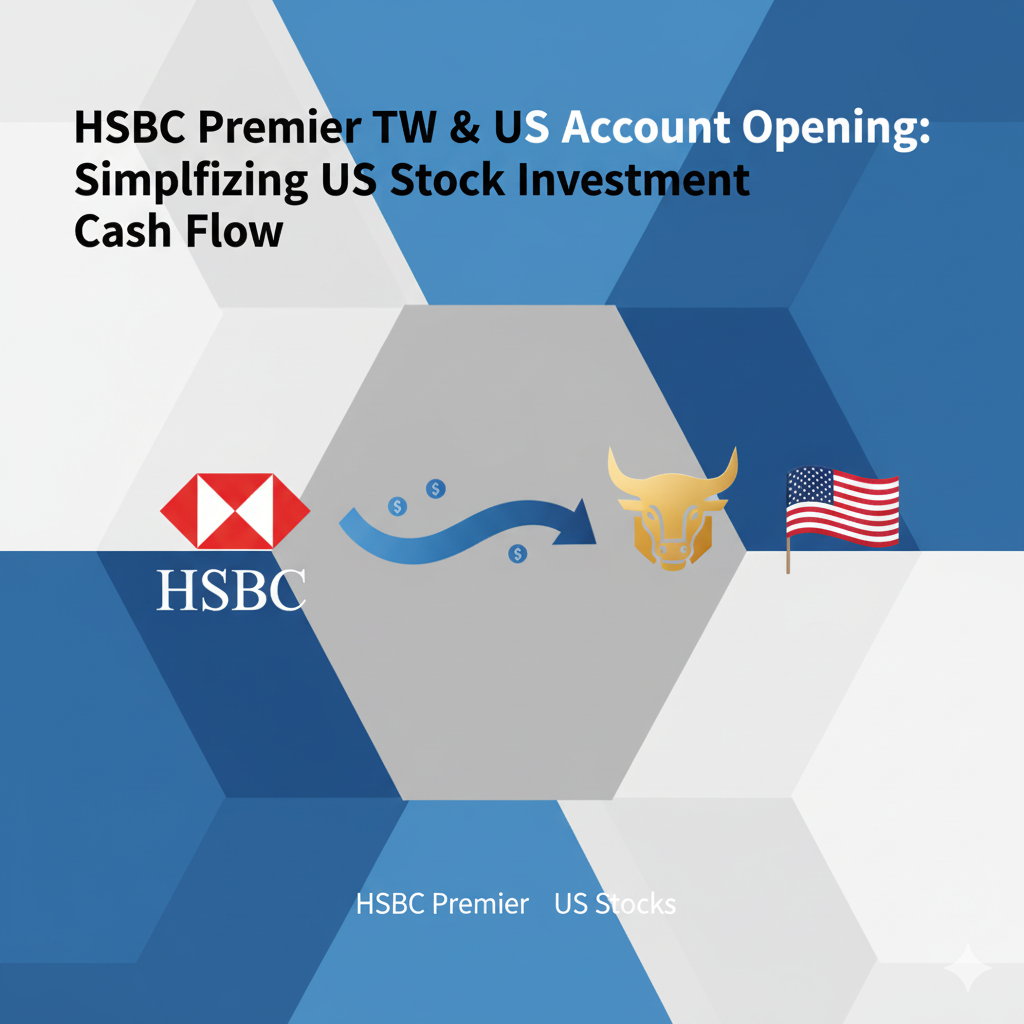
[Finance] My Experience Opening HSBC Premier Accounts in Taiwan & US: Simplifying US Stock Investment Flow
Why Choose HSBC Premier? To Simplify US Stock Investment Funding For investors serious about long-term US stock market participation, establishing a smooth, low-cost funding channel is paramount. In the third quarter of 2024, to streamline my deposit and withdrawal process, I decided to open HSBC Premier accounts, creating the following investment pipeline: HSBC TW Currency Exchange -> HSBC Global Transfer -> HSBC US -> ACH Transfer -> Charles Schwab This setup not only makes fund management more efficient but also significantly reduces the cost and complexity of international wire transfers. This article will share my complete experience, from applying for the Taiwan (TW) to the United States (US) HSBC Premier accounts, including key details and practical tips.
-
[Tutorial] Build a Free Image Hosting System for Hugo with Cloudflare R2 and Workers
Preface: Why Use Cloudflare R2 for Hugo Image Hosting? When running a static site built with Hugo, image management is always a hot topic. The traditional approach is to dump image files directly into the project’s static/ directory and commit them to Git version control along with the code. However, as the number of images grows, this method can cause your Git repository to become ridiculously bloated. This not only slows down git clone and pull operations but also makes backups and management a real headache.
-
[Tutorial] How to Subscribe to the Nigeria YouTube Premium Family Plan via VPN (Latest 2024 Guide)
Preface: The Quest for the Cheapest YouTube Premium As streaming service prices continue to climb, finding the most budget-friendly way to subscribe to YouTube Premium has become a hot topic for many users. After the golden era of “digital migration” to countries like India, Turkey, and Argentina, our sights are now set on a new promised land of low prices: Nigeria. This article provides a detailed step-by-step guide on how to use a VPN to subscribe to the YouTube Premium family plan in Nigeria, allowing you to enjoy an ad-free video experience at an incredibly low price.