Gemini
-
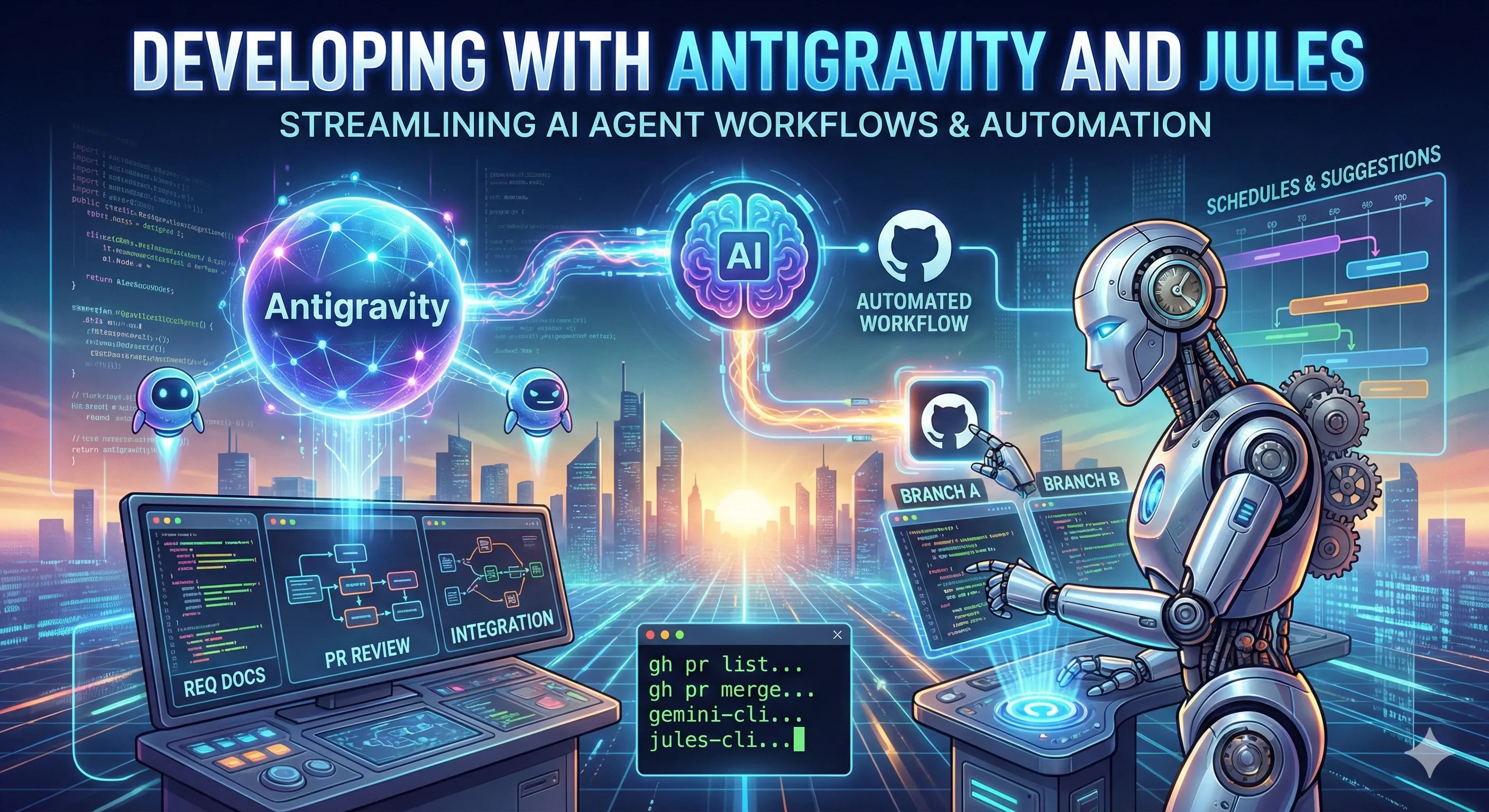
Developing with Antigravity and Jules
Since the release of Antigravity, I have been using it to develop various projects of all sizes. Preface: I Also Want to Develop the Lazy Way Watching more and more developers in the community work day and night with Claude Code to achieve long-term, continuous AI Agent project development made me want to see how far I could go with Antigravity. As a big fan of Google products, I have high expectations for Antigravity!
-
[Dev Note] Gemini 3's PDF Black Magic: From Token Explosion to Painless All-You-Can-Eat
Preface: PDF Black Magic in the Gemini 3 Era As a developer who loves integrating AI into side projects, my relationship with Google Gemini over the past six months has been like a roller coaster: from a honeymoon phase to a disappointing breakup (turning to hand-coded wheels), and finally to today—where I’ve fallen in love with it all over again. Today, I want to talk about a “silent but massive” change in Gemini 3’s PDF Document Processing. If you, like me, used to get headaches from token explosions caused by converting PDFs to images for Gemini’s file API, and had to look for other solutions (to markdown, OCR, vision models), then I have to say, “Go home, everybody!”
-
【Deep Analysis】Gemini 3 Counterattack (Part 1): The Proxy War Between Google and Nvidia
Prologue: When Silicon Valley’s “Cold War” Turns into a “Hot War” Over the past two years, the AI industry seems to have experienced a typical “disruptor story”: the agile startup OpenAI, relying on ChatGPT and Nvidia’s powerful computing power, caught the former tech giant Google off guard. The market narrative at the time was simple and crude—Google was too slow and had too much baggage, and seemed destined to become the next Yahoo or Kodak in this new era of generative AI.
-
Gemini vs Grok Competitive Analysis: A Capital Battle for Ecosystem and Data Supremacy
In the tech investment landscape of 2025, the most compelling showdown is undoubtedly between Google’s Gemini and xAI’s Grok. This is not just a technical contest between two Large Language Models (LLMs), but a collision of two distinct business models and capital logics. With xAI’s valuation nearing $230 billion in recent funding talks, and Alphabet (Google’s parent company) pushing its annual capital expenditure (Capex) above $90 billion, this “AI Arms Race” has entered a critical deep-water zone. This article dissects the competitive advantages and moats of these two giants from an investment and industry analysis perspective.
-
[Gemini CLI] My Experience Developing an Arc-Style Chrome Extension with Gemini CLI
Preface Recently, Google announced the integration of Gemini into the Chrome browser, which sparked the idea of switching back to Chrome from the Arc browser. However, I’ve grown very fond of Arc’s vertical tab and bookmark management system. So, I decided to roll up my sleeves and build a Chrome extension with similar functionality. This article shares my journey of creating an Arc-style Chrome extension from scratch using Google’s newly released Gemini CLI. I’ll document the development process, the challenges I faced, and my practical thoughts on AI development tools like Gemini CLI.
-
[Gemini + Google Apps Script] Automating Daily Tasks with Gemini: Gmail Cleanup and Stock Market Monitoring
Preface Lately, the concept of AI Agents has been gaining a lot of traction, with features like OpenAI’s ChatGPT Tasks showing us the potential of AI to handle our daily grind. This got me thinking: how will Google, with its massive ecosystem, leverage Gemini to create even more powerful automation applications? After a bit of digging, I discovered that Google already offers the incredibly powerful Google Apps Script. This service allows developers to connect with APIs from a whole host of Google services, including Gmail, Google Sheets, and Google Calendar. This article will share how I used Gemini to generate Google Apps Script for two practical automation tasks, all with almost no coding required.