Arc
-
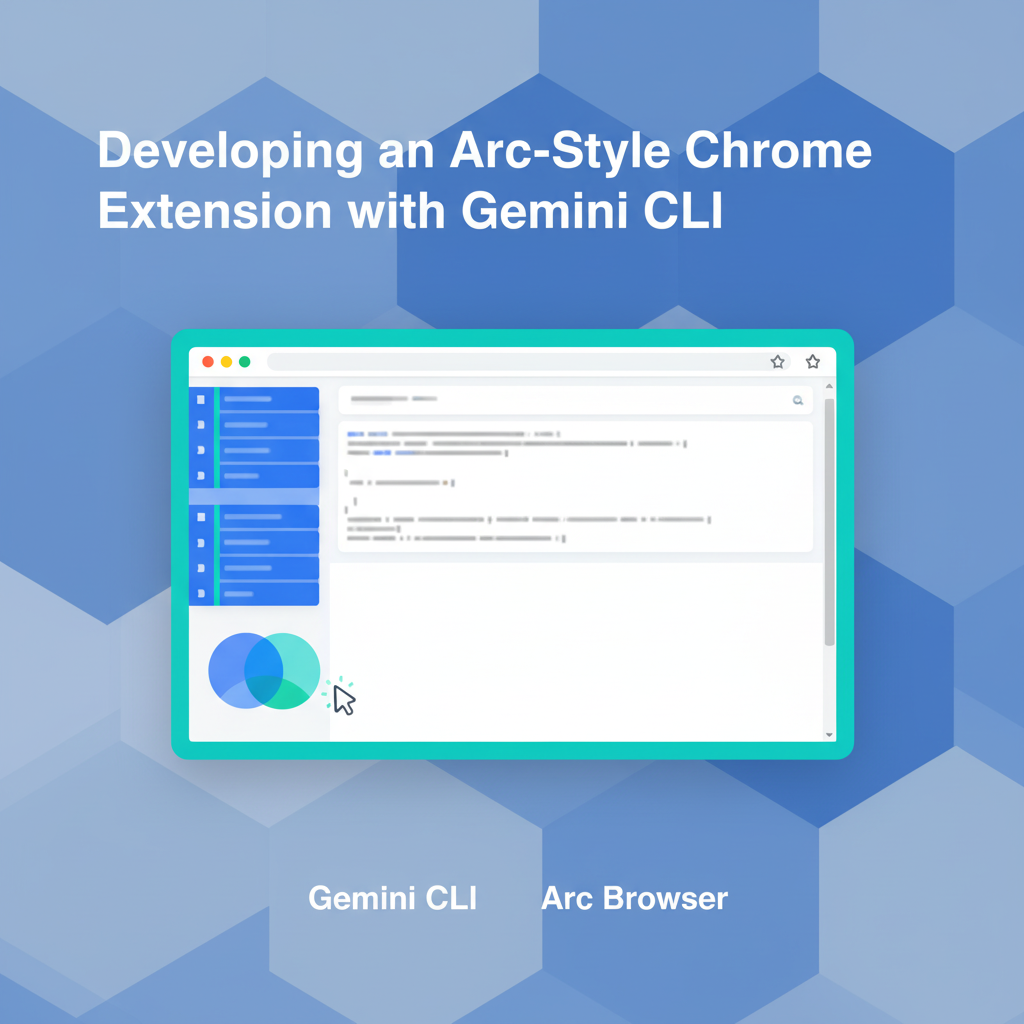
[Gemini CLI] My Experience Developing an Arc-Style Chrome Extension with Gemini CLI
Preface Recently, Google announced the integration of Gemini into the Chrome browser, which sparked the idea of switching back to Chrome from the Arc browser. However, I’ve grown very fond of Arc’s vertical tab and bookmark management system. So, I decided to roll up my sleeves and build a Chrome extension with similar functionality. This article shares my journey of creating an Arc-style Chrome extension from scratch using Google’s newly released Gemini CLI. I’ll document the development process, the challenges I faced, and my practical thoughts on AI development tools like Gemini CLI.
-
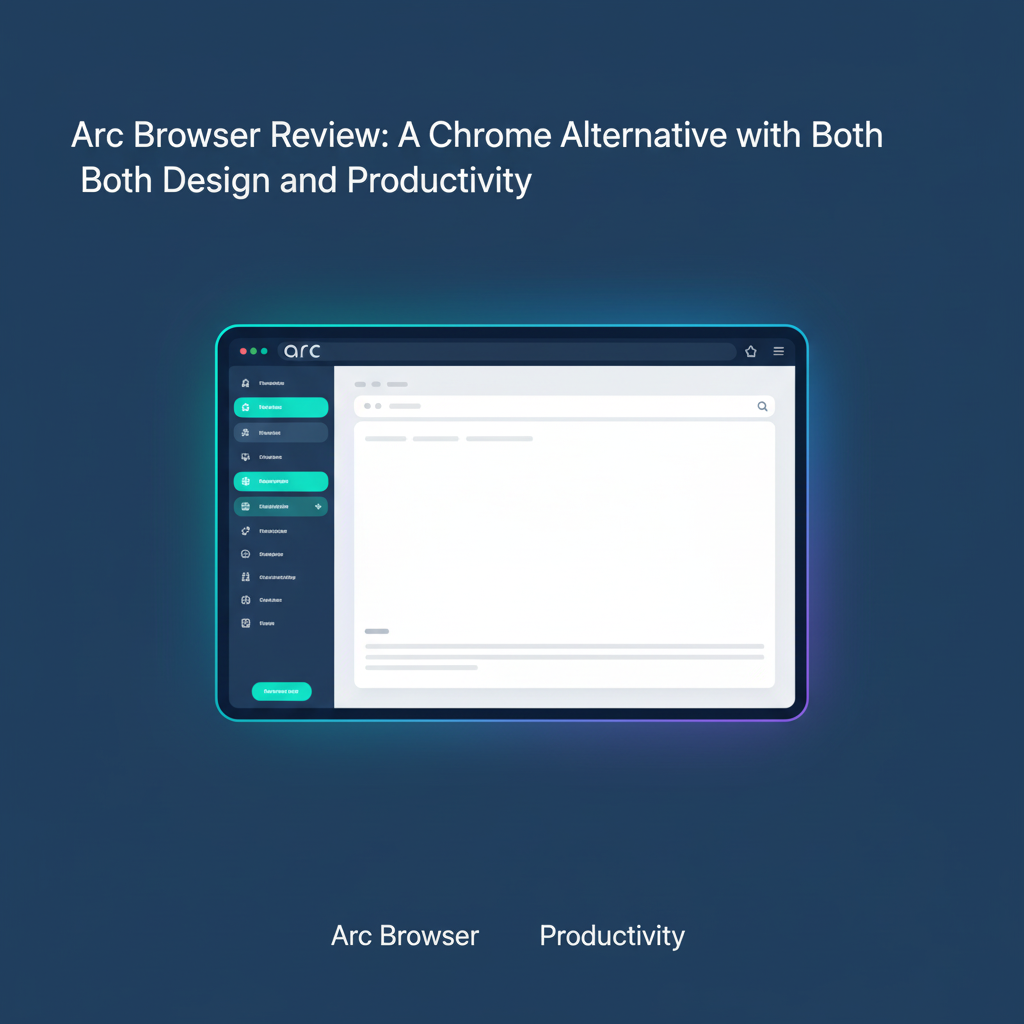
[Browser Recommendation] Arc Browser Review: A Chrome Alternative That Blends Design and Productivity
Preface: Tired of Traditional Browsers? Have you ever found yourself drowning in a sea of dozens of disorganized browser tabs? Constantly switching between work, study, and entertainment, yet unable to find that one specific page you need. If this sounds all too familiar, then Arc, the next-generation browser, might just be the answer you’ve been looking for. Crafted by The Browser Company, Arc is built on the same Chromium core as Chrome but introduces a completely fresh interface and interaction logic. It’s designed to tackle the pain points of traditional browsers, boosting user productivity and focus.